
Filter, frame, text.
Done in a minute.
Every filter shows exactly how it looks on your actual photo, not a generic sample. Pick a look, add a frame and some text, export — no editing experience needed.
No account · editing stays on your device · AI tab asks first
Tint
Filter
Frame
Text
Effects
Private by default
Editing stays on your phone
No subscription, ever
Pay once, use forever
See it in action
One app. Every aesthetic.
Restore old photos, try 130+ film looks on your own shot, add lens effects, frames and more — in 44 seconds.
Sound familiar?
Editing a photo shouldn't be this hard
Fast filter apps look nothing like their previews. Real editors need a manual. Something in between got lost.
Every filter preview lies
That gorgeous sample thumbnail never looks the same on your actual photo. You tap through five apps just to see what a filter really does.
Real editors take a weekend to learn
Curves, masks, selective color — VSCO and Lightroom can do anything, if you're willing to watch a dozen tutorials first.
Another $9.99/month for filters?
Most aesthetic camera apps lock the good looks behind a subscription you'll forget to cancel. For filters.
Tint sorts it out — pick a look, done
What you can do
Built to make you look good, fast
Every filter, live on your photo
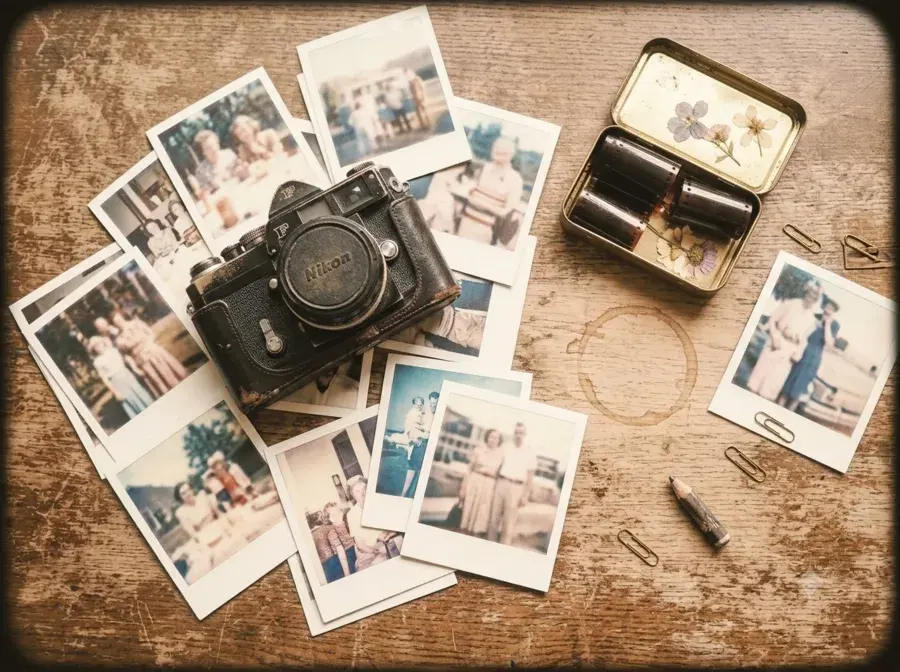
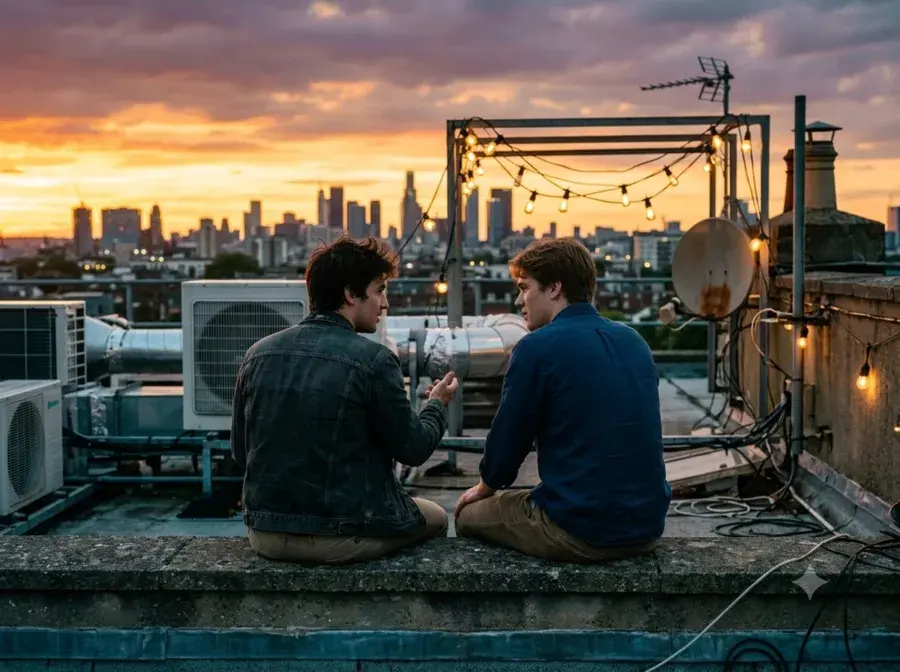
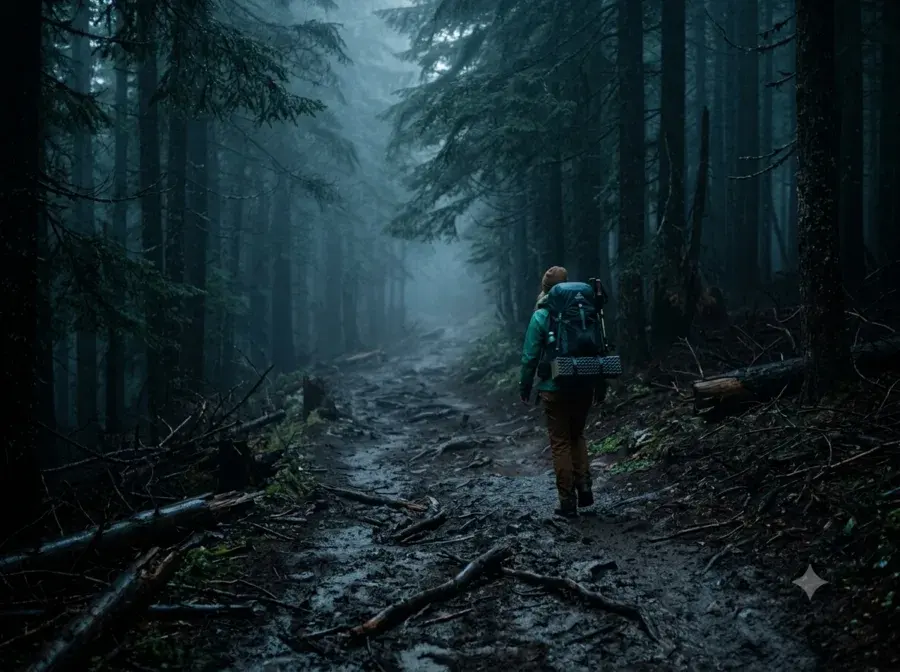
Film-inspired stocks, VSCO-style classics, moody, pastel, black & white, VHS, and more — each thumbnail is a real render of the photo you're editing, not a generic sample.
- Intensity slider blends any filter, 0–100%
- Hold to compare against the original, anytime
- Fine-tune with vibrance, clarity, color grading & more
- Save your own combo as a reusable preset


AI editing, when a filter isn't enough
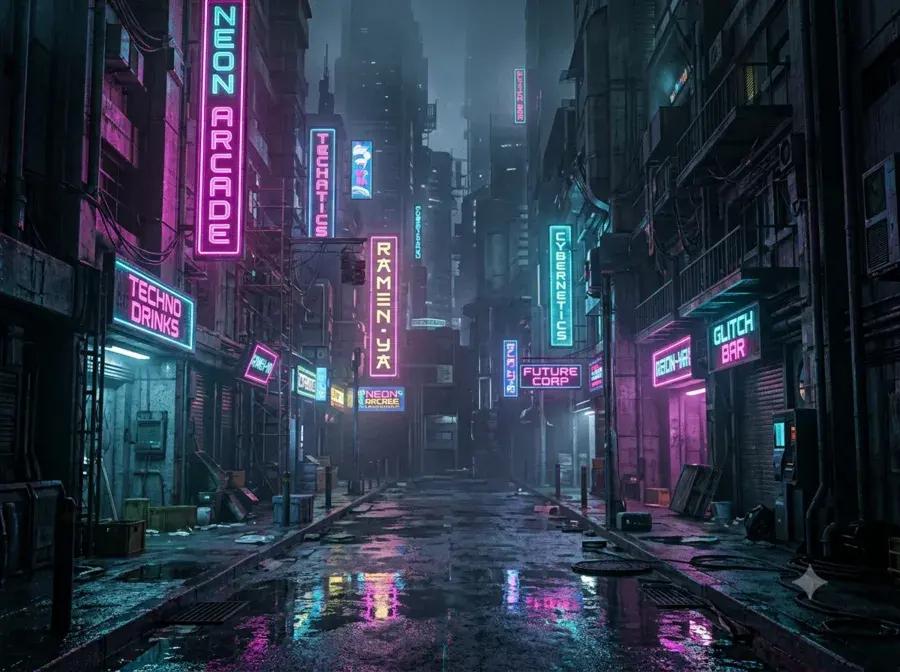
Restyle a photo's whole mood, erase something you don't want in the shot, turn a selfie into a professional headshot, or bring an old damaged photo back to life — powered by Google's Gemini, optional and off until you turn it on.
- Vibe, Retouch, Headshot, Restore, Critique, Chat, Effects & Style
- Every new install starts with 3 free credits, no purchase needed
- Pay-as-you-go credit packs — no subscription required
Vibe

Retouch

Headshot

Restore

Critique
Chat
3 free credits to start — no subscription, ever
Frames, text & stickers
Polaroid and Instax borders with date stamps, film strips, minimal borders, and social-ready crop ratios. Add text with curated fonts, colors, outlines, and curved layouts.
- Drag, pinch, and rotate text and stickers freely
- Story, Post & Square ratios for every platform
- Batch edit — one look across several photos at once
Effects, Background Swap & Beauty
Split, duotone, glitch, light leak, and more one-tap effects. Cut out the subject and drop in a new backdrop. Natural, edge-preserving skin smoothing that keeps detail sharp.
- Background Swap — color, gradient, or photo backdrop
- Beauty retouch that stays natural, not plastic
- Every tool below runs on-device, nothing uploaded
Duotone
Background Swap
Beauty
Glitch
On-device — nothing ever leaves your phone
A capable camera, right in the app
Shoot straight from Tint — pinch or tap between your phone's lenses, dial in exposure and focus by hand on supported devices, and let low-light boost and a built-in level keep every shot steady.
- Manual focus, exposure & white-balance lock on supported devices
- Self-timer, level guide, and low-light boost built in
- Shoot now, pick your look after — every filter still lives in the editor
Manual focus
Exposure lock
Level guide
Self-timer
20+ filter packs
A look for every mood
From real film stock emulations to trending aesthetics — every pack previews on your actual photo before you commit.

Film

Fujifilm
Cinematic
VSCO Classics

Instagram Classics

Indie Sleaze
Moody

Black & White
Vintage

Toy Camera

Disposable

Expired Film
Pastel

Rose

Summer

Ocean

Autumn
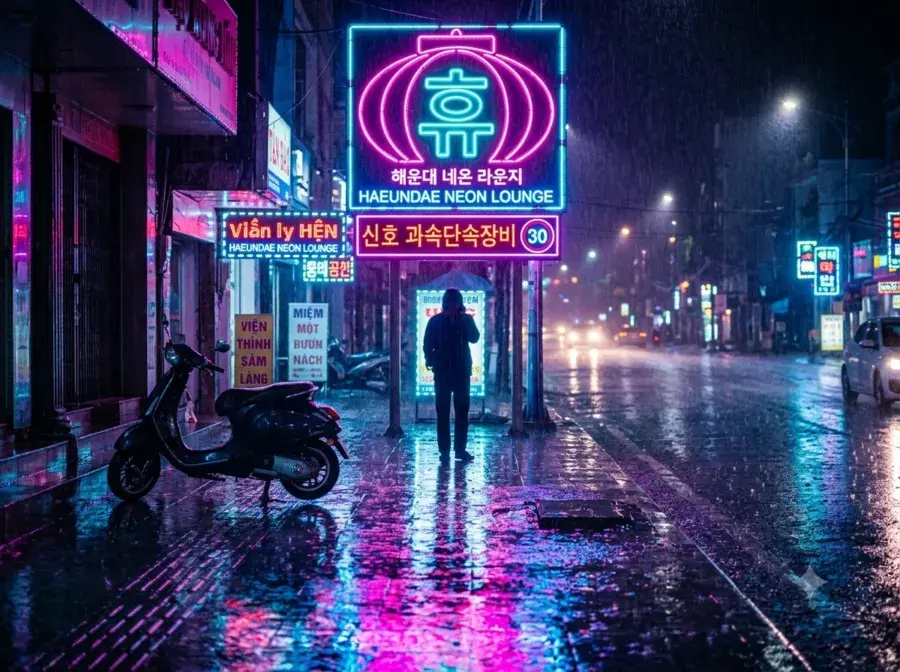
Neon
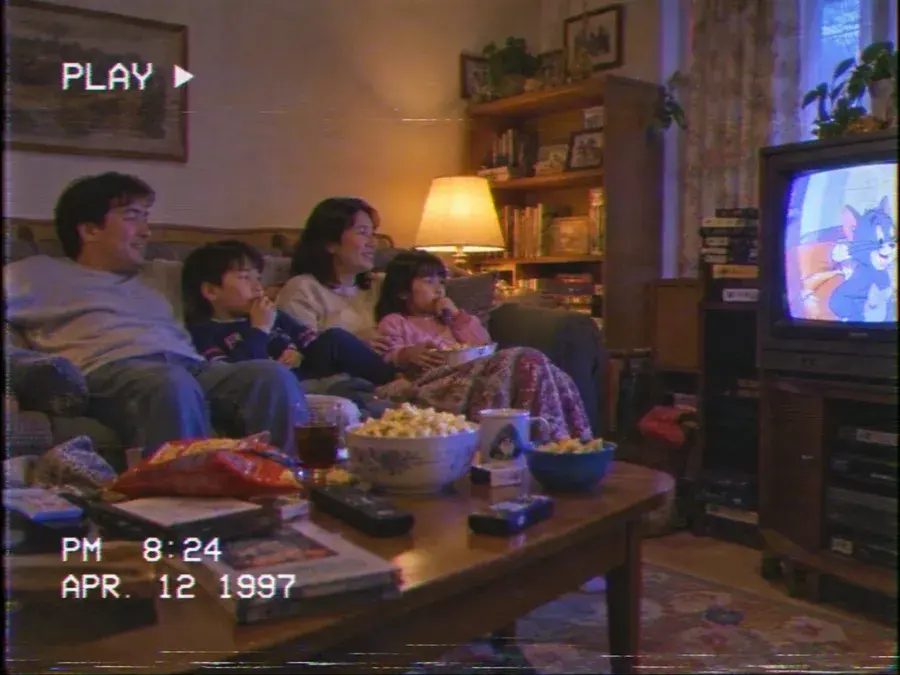
VHS

Winter
Simple by design
From photo to post in three steps
Pick a photo
Choose one photo from your library or take a new one — Tint only ever sees that one photo, right when you pick it.
Filter, frame, text
Try any filter live on your real photo, add a frame, drop in some text or stickers — every change previews instantly.
Export & share
Save straight to your Photos library or share directly. No account, no upload — the whole edit happened on your device.
Pricing
Pay once. Not another subscription.
Try every filter, frame, and tool for free. Tint Pro is a single one-time purchase — no monthly fee, ever.
Free
No account, no credit card
- Every filter & frame — try before you buy
- Adjust, Crop, Text, Doodle, Effects
- 5 saved presets, batch edit up to 3 photos
- Full-resolution export & share
Tint Pro
Pay once, use forever. No subscription.
- Everything in Free
- Background Swap — color, gradient, or photo backdrop
- Beauty — natural, edge-preserving skin smoothing
- Unlimited saved presets & batch editing
- No lock icon on export or share
Unlocked once, on every device signed into your App Store / Play account
AI credits
AI tools, priced separately — pay only for what you use
Vibe, Retouch, Headshot, Restore, Critique, Chat, Effects & Style all run on 1 credit (Restore is 3). Every install starts with 3 free credits — no subscription, no card needed to try it.
20 credits
$2.99
Best Value
60 credits
$6.99
150 credits
$14.99
Consumable, one-time purchases — bought inside the app, no separate account required.
Your photo stays on your phone. By default.
Filters, frames, effects, Background Swap, and Beauty retouch all run entirely on-device, no server involved. Tint never scans your library — it only ever sees the one photo you choose to import, at the moment you choose it. The one exception is the optional AI tab, which asks first, every time, before sending a photo anywhere.
Editing stays on your device
No account required
Face contour for Beauty only — never face recognition
No tracking, no ads, ever
Get started today
A photo worth posting,
without giving up your privacy.
Free to download. No sign-up. Your first edit, done in under a minute.
Free to download · No account · Coming soon on iOS & Android